
AI-Powered Lead Qualification for Real Estate
Bring buyer requirements, follow-up and agent handover into a clear workflow. Discuss an AI approach shaped around your enquiry sources, languages and agency criteria.
Shape Your Qualification Workflow
Connect the enquiry, buyer context and next action around your agency's process
Agree the Intake
Start with your enquiry emails and property-portal sources. Confirm the connection method, access and which enquiries belong in the workflow.
Define Buyer Criteria
Organise stated budget, location, timing and questions against criteria your agency defines. Keep missing details visible for agent follow-up.
Plan the Conversation
Discuss English and Chinese responses, property terminology and review points. Agree which messages need approval and where automation is appropriate.
Set the Next Action
Define follow-up timing, enquiry ownership and escalation to an agent. Choose clear measures to evaluate whether the workflow helps your team.
Built for Real Estate Teams
Start with the requirements that make a qualification useful to your agents
Agency-Defined Criteria
Discuss budget, timing, location and buying requirements. Any scoring approach should show its criteria and support an agent’s judgement.
Bilingual Communication
English and Chinese enquiries are part of our focus. Agree terminology, language preferences and a review process for your team’s responses.
Agent Handover
Plan how agents receive the buyer’s stated requirements, unanswered questions and next action, with clear ownership of each enquiry.
Data & Access Requirements
Include hosting location, providers, access and retention in the proposal. Confirm the complete data flow for your chosen configuration before rollout.
Follow-Up Rules
Define when to follow up, when to stop and when to bring in an agent. Review the supported channels and automation scope in your proposal.
Analytics & Reporting
Agree a baseline and useful measures, such as information completeness, review time and qualified conversations. Define what each measure means before evaluating results.
Explore the Platform
Use these interface views to discuss your workflow; configuration is confirmed in your proposal
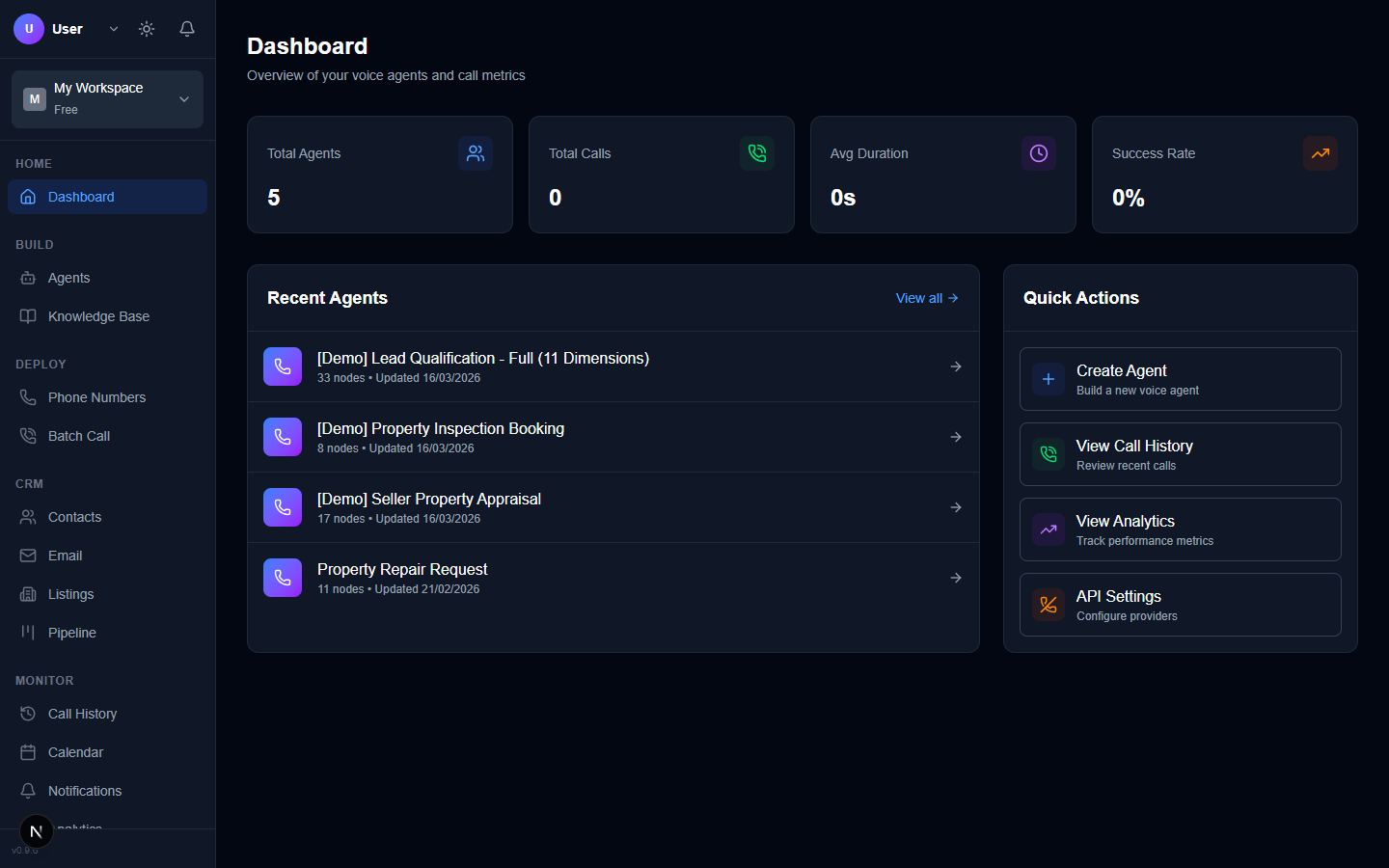
Dashboard
A workspace overview for discussing agents, templates and navigation
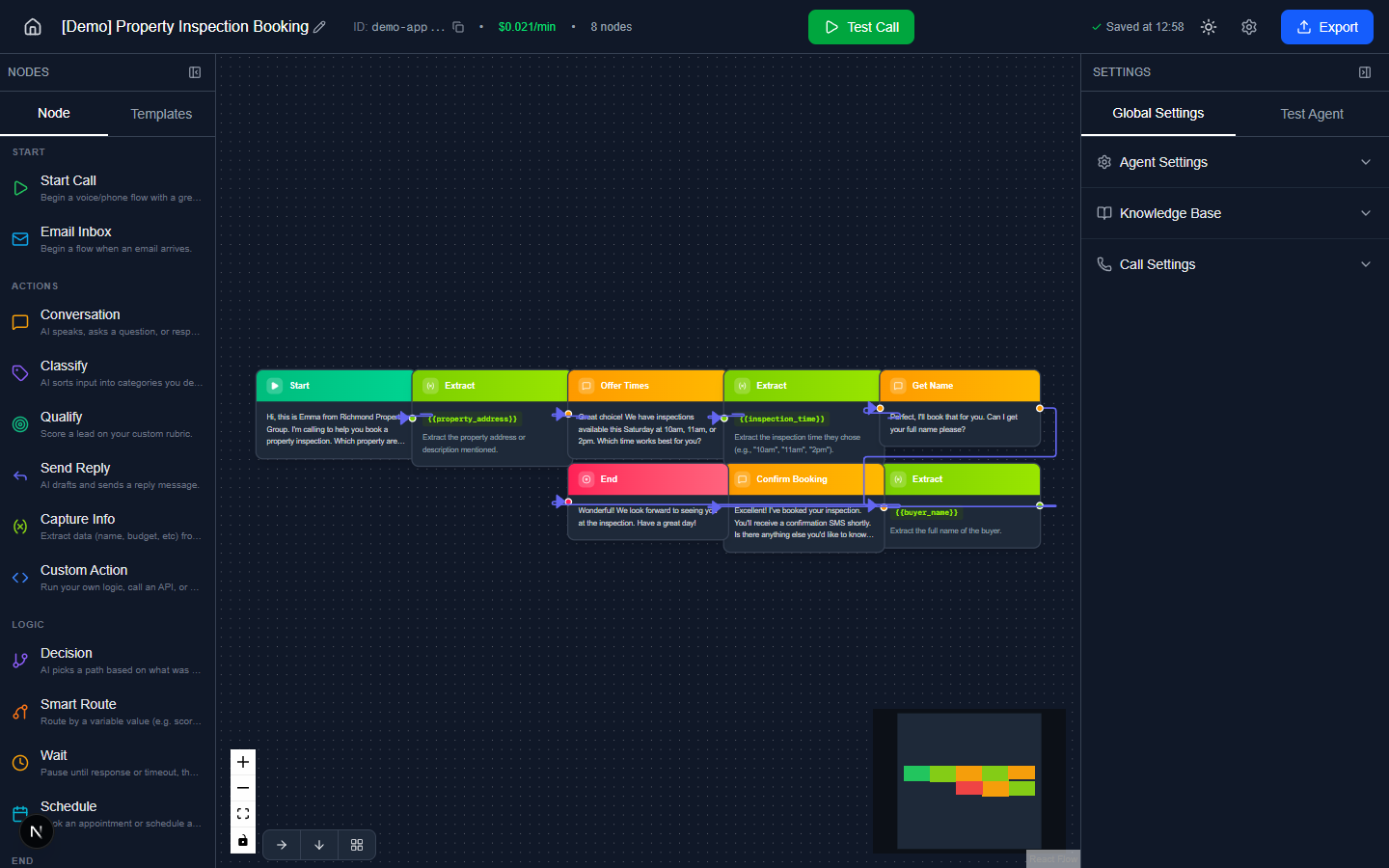
Visual Flow Builder
A conversation-flow view for planning steps and handover points
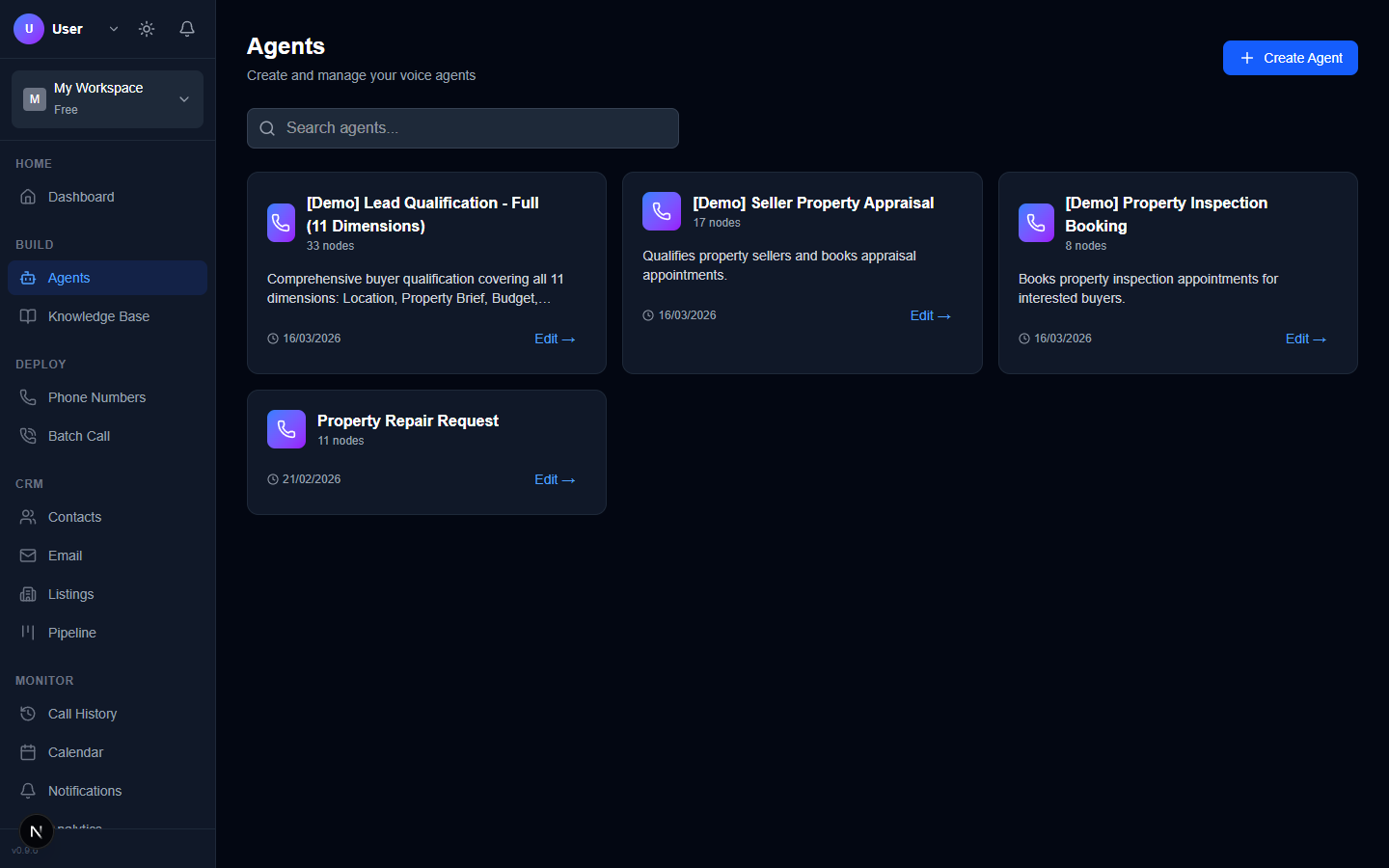
Agent Builder
An agent and template view to explore your proposed qualification workflow
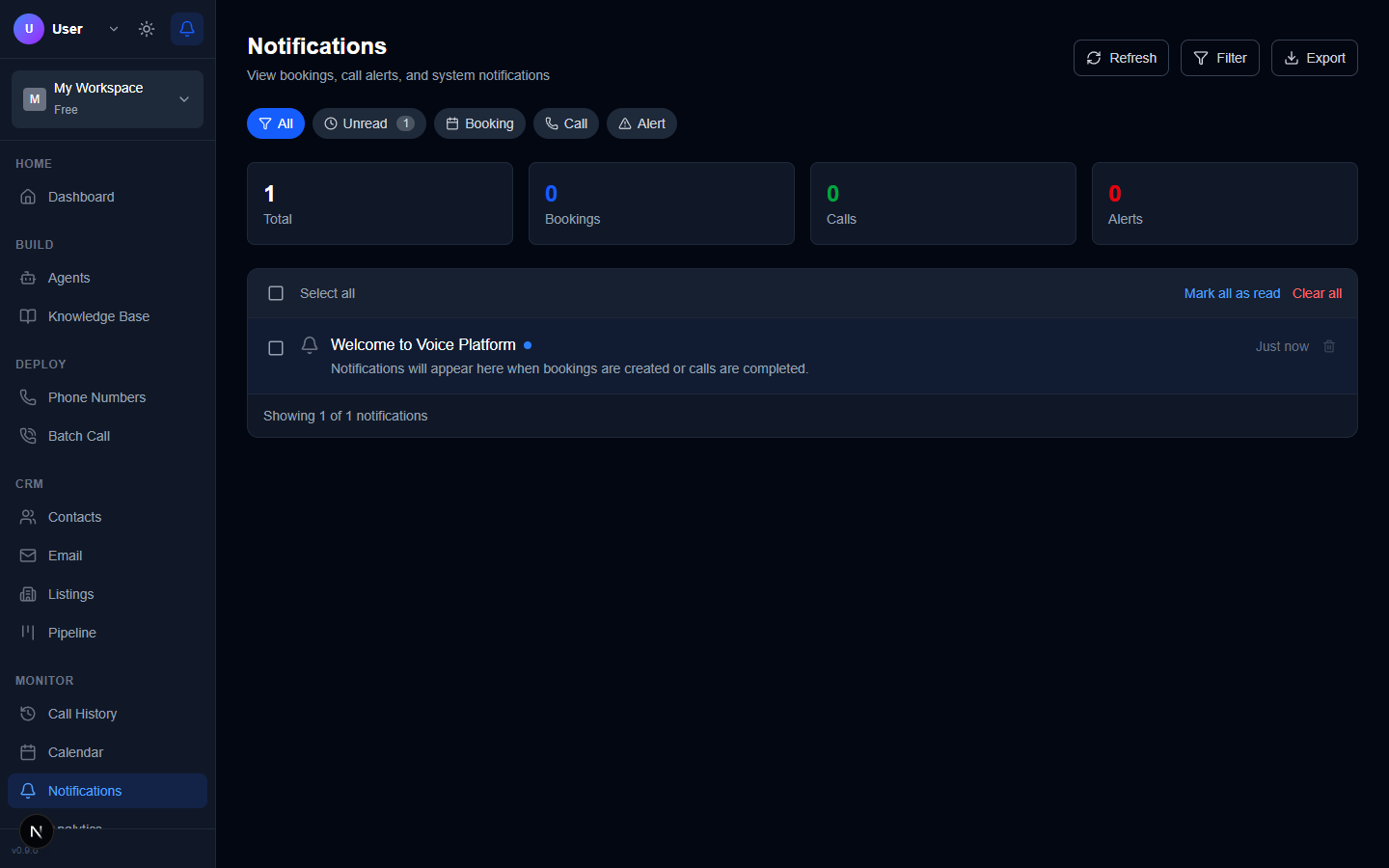
Notifications
A notification view to discuss which events should reach your team
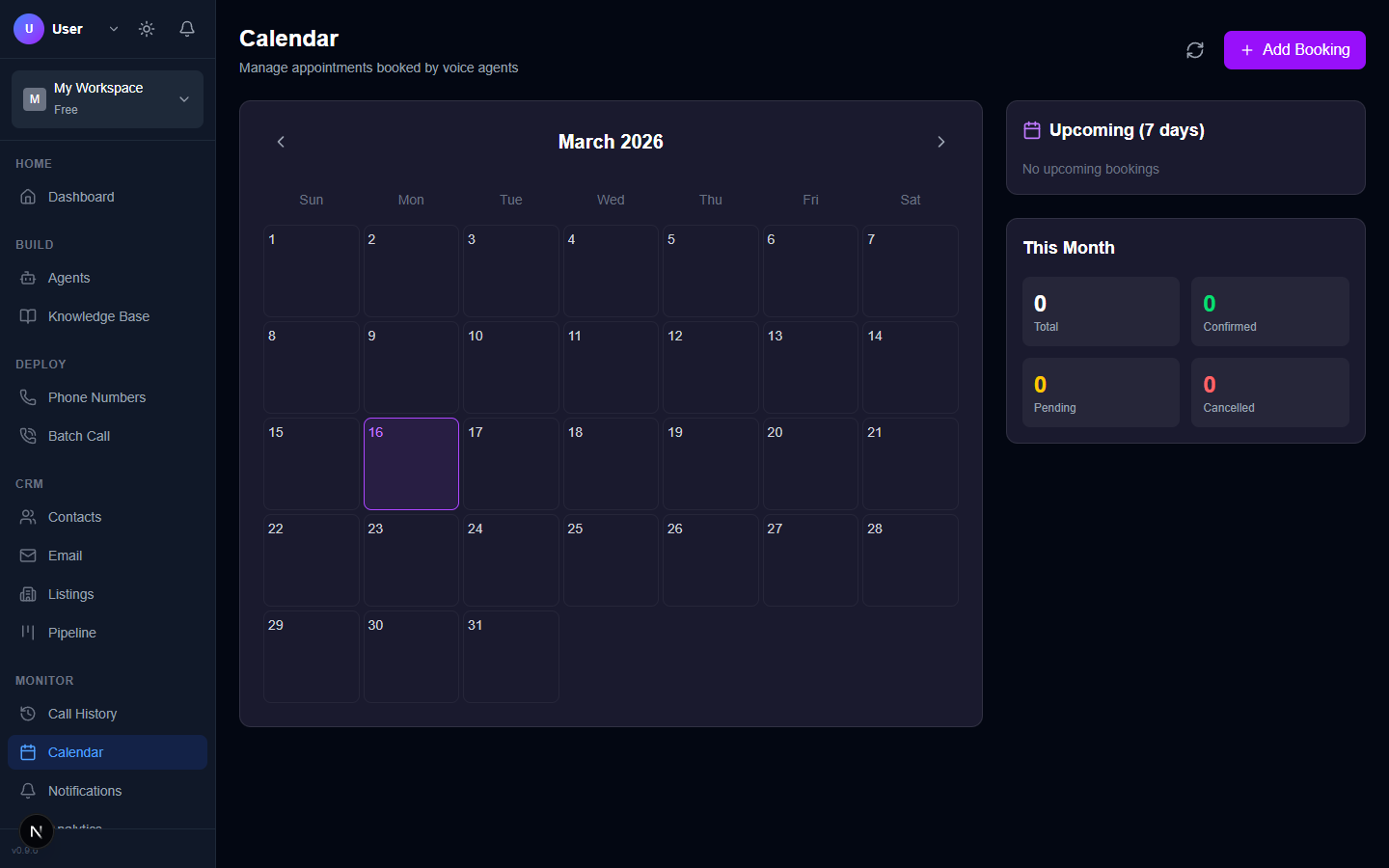
Calendar
A calendar view for discussing inspection and follow-up requirements
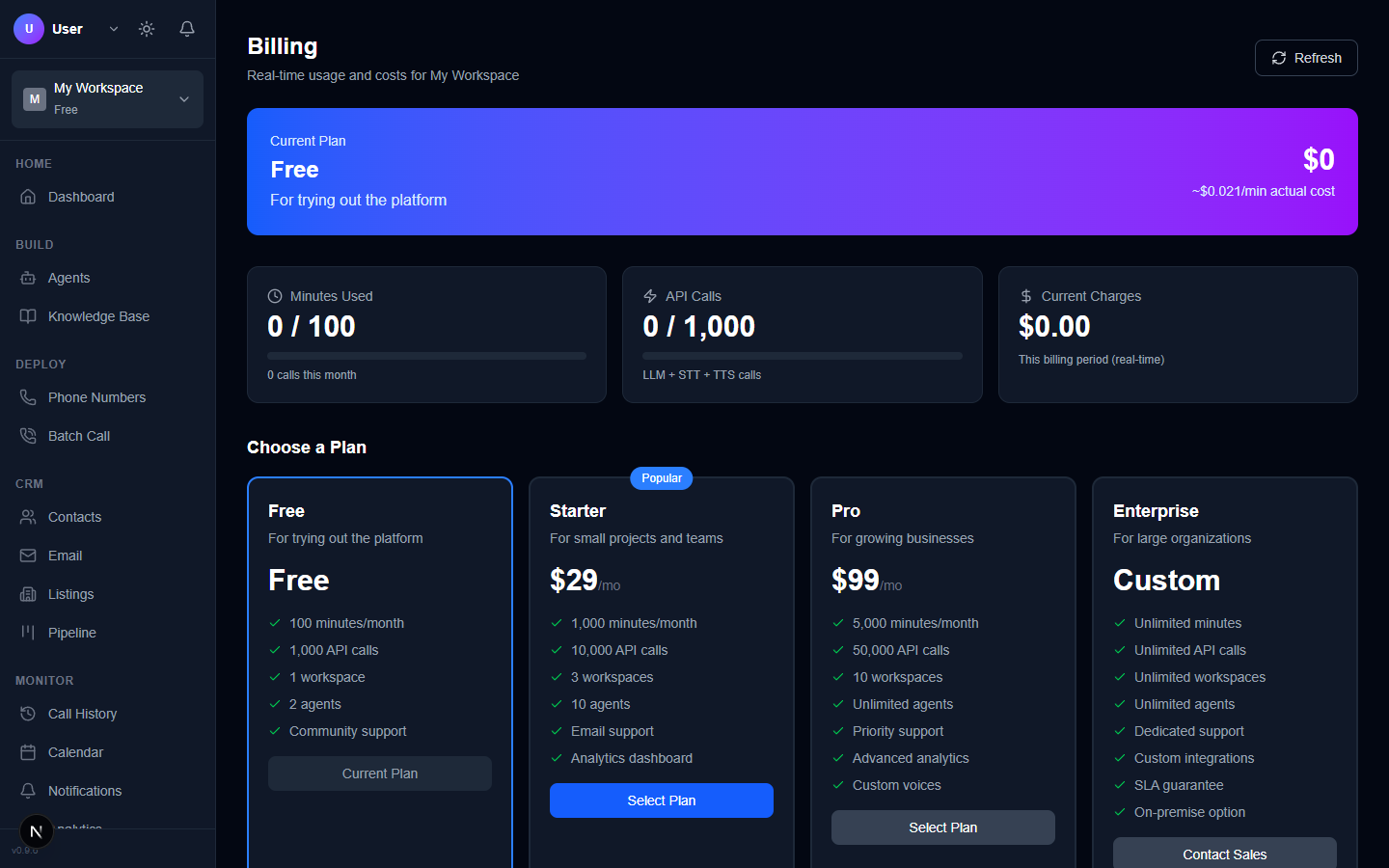
Billing
A billing interface overview; request a quote for your agreed scope and usage
Agree the Details Before Rollout
A scoped proposal connects the workflow to your systems, review rules and data requirements
Built for Real Estate
Choose a focused enquiry process and confirm the scope with your team
Buyer Lead Qualification
Start with buyer enquiries and organise stated budget, location, timing and questions. Portal emails and direct contacts are use cases to assess individually.
Inspection Enquiry Follow-Up
Discuss how inspection questions reach the right agent and what information a reply needs. Any phone or scheduling connection requires an agreed scope.
Multi-Office Operations
Agree enquiry ownership across agents or offices, handover details and escalation rules. Check the required system connections before implementation.
Give Your Enquiries a Clear Next Step
Share your enquiry sources, languages and current process. We'll discuss a qualification workflow and a demonstration suited to your agency.